Hi there!
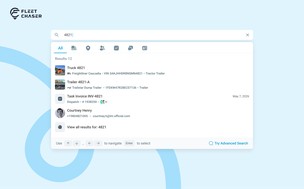
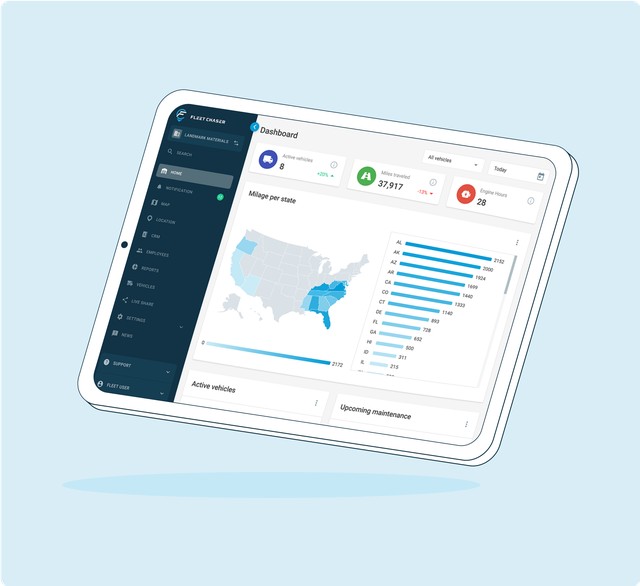
We’re thrilled to present new navigation in Fleet Chaser.
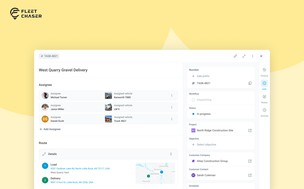
The new navigation not only streamlines your workflow, but also helps us roll out all the new features: notifications, dispatching, maintenance work orders, and more.
The new navigation is available in your user account, log in and check it out. 🌝
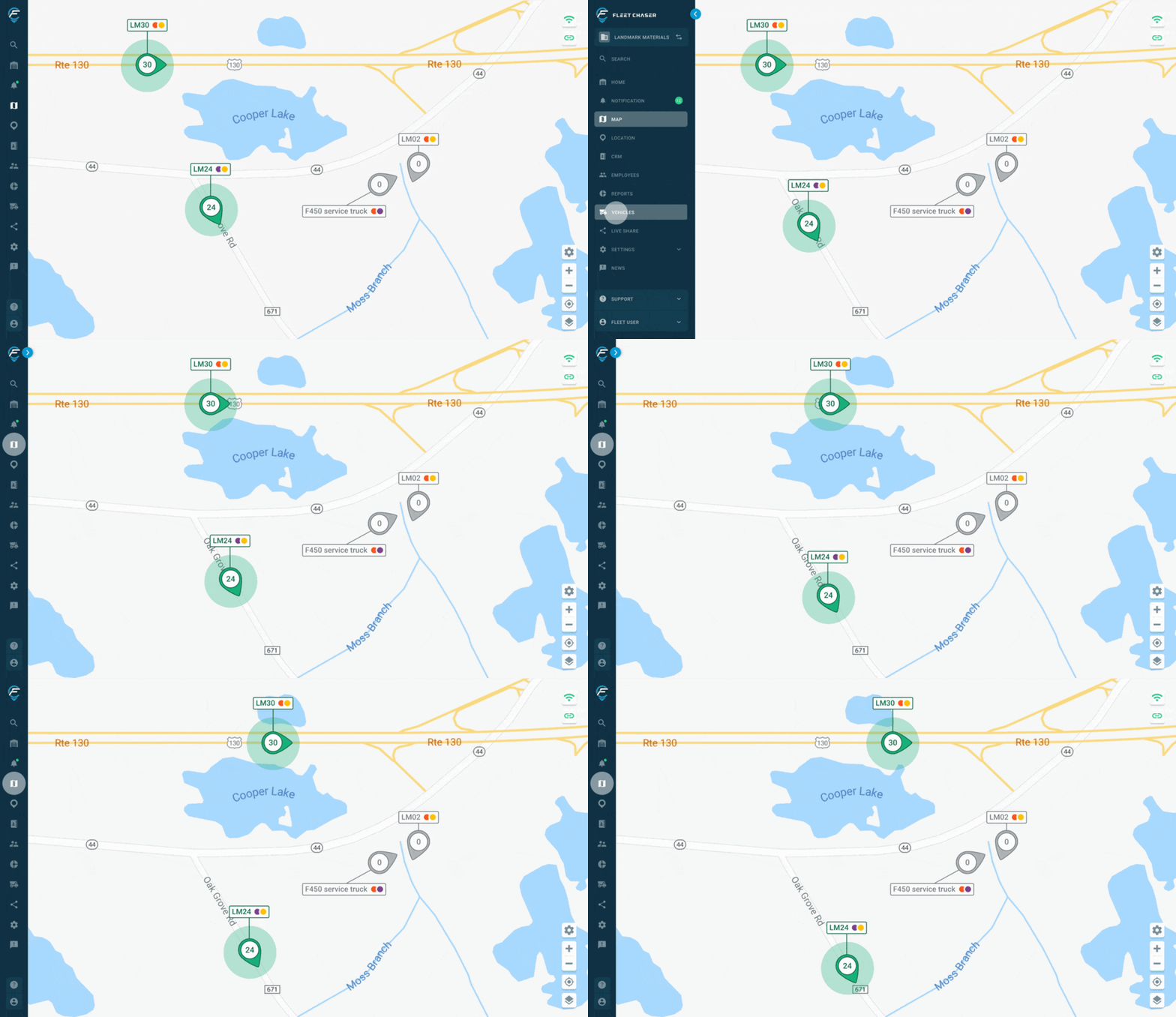
Hover over the toolbar or to the main workspace. Both sections will unfold, making it convenient to work in every one of them. The maps will also unfold, providing a larger view to see every little detail.
What else is new:
- A quick view function: the primary focus remains on your current workspace, while allowing you to easily switch between menu items
- Navigation emphasized, which is super handy when you need to switch between sections frequently or explore new functionality
- Two distinct states allow you to choose the mode that suits your current work. This functionality consolidates all site navigation into a single location, enhancing convenience and clarity.
More intuitive and convenient workspace, just a few clicks away.
Share this post